On a phone or tablet: install the free
Hoplite Polytonic Greek Keyboard
(Android
· iPhone/iPad).
Here is what it looks like when you activate it on your phone:
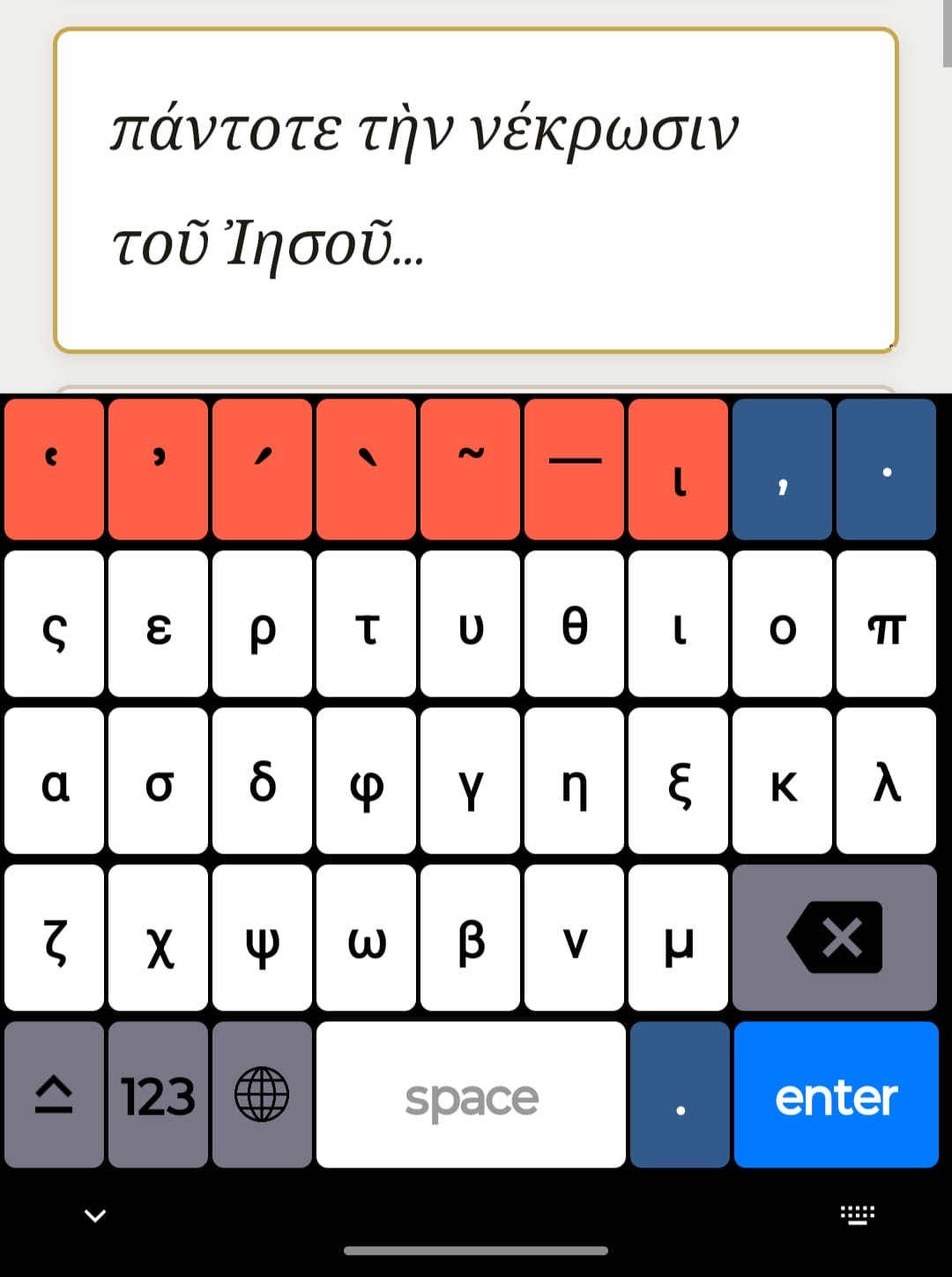
(A hoplite was a heavily armed infantry soldier of ancient Greece,
typically a citizen-soldier who fought on foot in close formation
(the phalanx), equipped with spear, large round shield, helmet, and body armor.)
On a desktop: turn on PC Keyboard mode below
and type using your regular keyboard — letters convert to Greek as you type.
How to set up the Hoplite Keyboard
Android
- Install Hoplite Polytonic Greek Keyboard from the Play Store.
- Open the app once — it will prompt you to enable it in your device settings.
- Go to Settings → System → Languages & input → On-screen keyboard and turn on Hoplite.
- When typing, tap the keyboard icon in the navigation bar (or long-press the space bar) to switch to Hoplite.
iPhone / iPad
- Install Hoplite Greek Keyboard from the App Store.
- Go to Settings → General → Keyboard → Keyboards → Add New Keyboard and select Hoplite.
- Tap Hoplite again and enable Allow Full Access (required for the keyboard to function).
- When typing, tap the globe 🌐 icon on your keyboard to switch to Hoplite.
Here is what the keyboard will look like on your phone:
πάντοτε τὴν νέκρωσιν τοῦ Ἰησοῦ ἐν τῷ σώματι περιφέροντες, ἵνα καὶ ἡ ζωὴ τοῦ Ἰησοῦ ἐν τῷ σώματι ἡμῶν φανερωθῇ·
Every day we experience something of the death of Jesus, so that we may also experience the power of the life of Jesus in these bodies of ours.
